Introduction
The modern workplace has changed dramatically over the past decade. Employees no longer need to stay in one office to complete projects, attend meetings, or share files. Instead, businesses, freelancers, students, and remote teams rely on cloud based productivity apps to stay connected and organized from anywhere.
These applications allow users to access documents, manage tasks, communicate with teammates, and collaborate in real time using an internet connection. Whether you’re working from home, traveling, or managing an international team, cloud technology ensures your work is always available across multiple devices.
As organizations continue embracing digital transformation, choosing the right productivity software has become more important than ever. This guide explains what cloud-based productivity applications are, how they work, their advantages, and the features you should consider before selecting one.
What Are Cloud Based Productivity Apps?
Cloud based productivity apps are software applications that store data on secure online servers instead of a single local computer. Users access these tools through a web browser or mobile application, making it easy to work from virtually any location.
Unlike traditional desktop software, cloud applications automatically synchronize updates across devices. When one team member edits a document or updates a project, everyone with permission can instantly see the latest version.
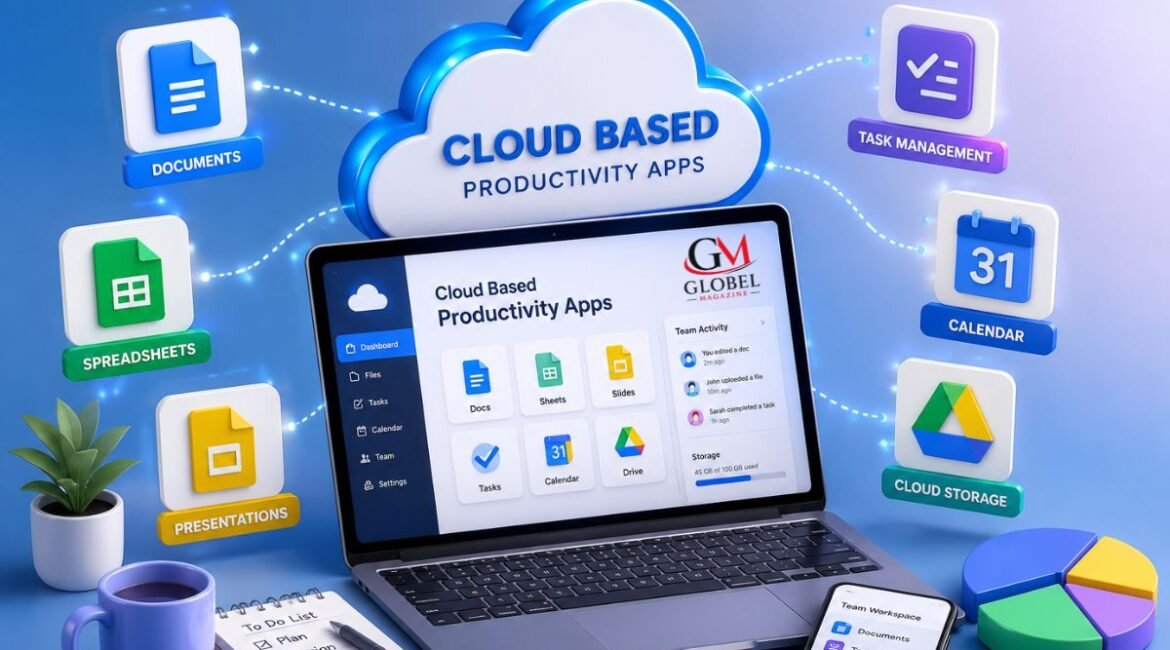
These applications typically combine several productivity tools into one ecosystem, including document editing, task management, calendars, communication platforms, file storage, and project collaboration.
Why Businesses Prefer Cloud-Based Solutions
Organizations of every size are adopting cloud technology because it provides flexibility, scalability, and improved collaboration. Instead of maintaining expensive servers or installing software on every computer, companies can access powerful applications through subscription-based services.
Some of the biggest reasons businesses choose cloud productivity software include:
- Easy access from any location
- Automatic software updates
- Reduced IT maintenance
- Improved teamwork
- Secure cloud storage
- Lower infrastructure costs
- Better business continuity
- Faster communication
These advantages help businesses remain productive regardless of where employees are working.
Key Features of Cloud Based Productivity Apps
Real-Time Collaboration
One of the greatest strengths of cloud based productivity apps is real-time collaboration. Multiple users can work on the same document, spreadsheet, or presentation simultaneously without creating duplicate versions.
Changes appear instantly, making teamwork smoother and reducing confusion.
Automatic Cloud Storage
Instead of saving files only on a computer, cloud applications automatically store information online. This reduces the risk of losing important documents due to hardware failure or accidental deletion.
Most platforms also maintain version history, allowing users to restore previous copies when necessary.
Cross-Device Access
Modern professionals often switch between laptops, tablets, and smartphones throughout the day.
Cloud applications automatically synchronize data across devices, allowing users to continue working without interruption.
Task and Project Management
Many productivity platforms include built-in project management tools that help teams organize workloads, assign responsibilities, set deadlines, and monitor progress.
These features improve accountability while making complex projects easier to manage.
Integrated Communication
Many cloud platforms combine messaging, video meetings, comments, and notifications within the same workspace.
This reduces the need to constantly switch between different applications and keeps conversations connected to specific projects.
Benefits of Using Cloud Based Productivity Apps
Improved Team Collaboration
Teams can work together regardless of geographical location. Employees in different cities or countries can edit files, share ideas, and complete projects without delays.
Greater Flexibility
Remote work has become a standard part of many businesses. Cloud applications allow employees to remain productive whether they are working from home, traveling, or visiting clients.
Higher Productivity
Instead of spending time searching for files or emailing document versions, employees can focus on completing meaningful work.
Automation features, reminders, shared calendars, and collaborative editing help eliminate repetitive administrative tasks.
Enhanced Data Security
Leading cloud service providers invest heavily in cybersecurity technologies, including:
- Data encryption
- Multi-factor authentication
- Secure backups
- Access controls
- Continuous monitoring
These protections help safeguard sensitive business information while allowing authorized users to access it whenever needed.
Different Types of Cloud Productivity Applications
Businesses use cloud technology for many different purposes. Common categories include:
- Document creation and editing
- Team communication
- Project management
- Cloud storage
- Calendar scheduling
- Customer relationship management
- Note-taking
- Workflow automation
- Video conferencing
- File sharing
Many organizations combine several applications to create a complete digital workspace that supports daily operations.