Subscribe

cloud based productivity apps

Cloud Based Productivity Apps: The Smarter Way to Work in 2026

Introduction

The modern workplace has changed dramatically over the past decade. Employees no longer need to stay in one office to complete projects, attend meetings, or share files. Instead, businesses, freelancers, students, and remote teams rely on cloud based productivity apps to stay connected and organized from anywhere.

These applications allow users to access documents, manage tasks, communicate with teammates, and collaborate in real time using an internet connection. Whether you’re working from home, traveling, or managing an international team, cloud technology ensures your work is always available across multiple devices.

As organizations continue embracing digital transformation, choosing the right productivity software has become more important than ever. This guide explains what cloud-based productivity applications are, how they work, their advantages, and the features you should consider before selecting one.

What Are Cloud Based Productivity Apps?

Cloud based productivity apps are software applications that store data on secure online servers instead of a single local computer. Users access these tools through a web browser or mobile application, making it easy to work from virtually any location.

Unlike traditional desktop software, cloud applications automatically synchronize updates across devices. When one team member edits a document or updates a project, everyone with permission can instantly see the latest version.

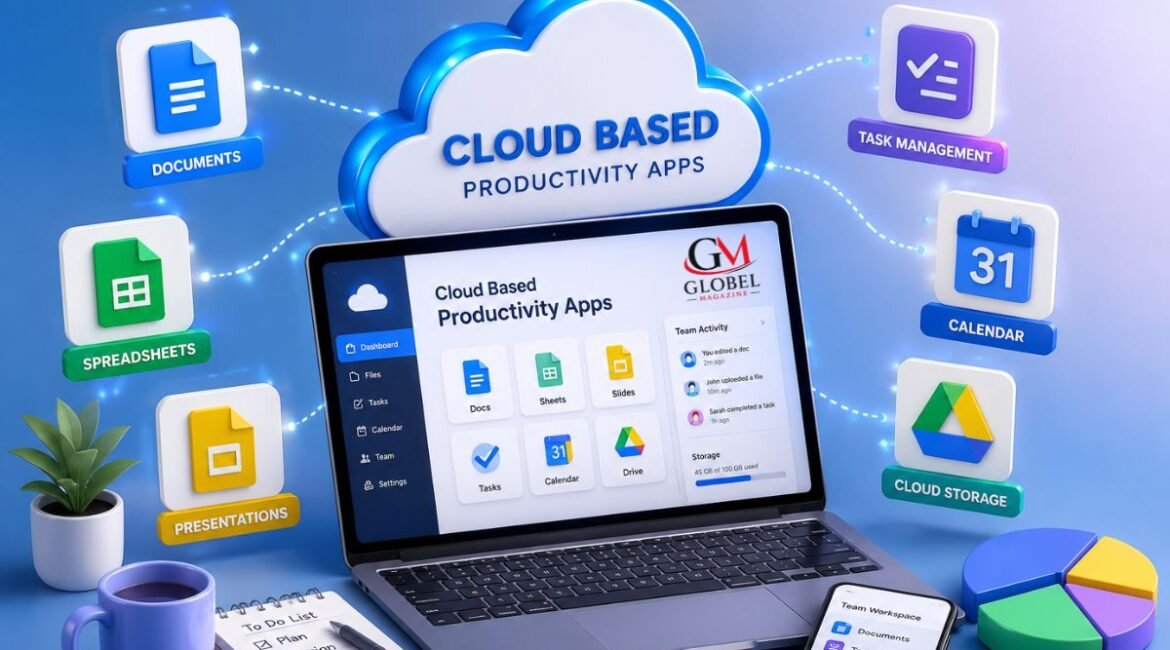
These applications typically combine several productivity tools into one ecosystem, including document editing, task management, calendars, communication platforms, file storage, and project collaboration.

Why Businesses Prefer Cloud-Based Solutions

Organizations of every size are adopting cloud technology because it provides flexibility, scalability, and improved collaboration. Instead of maintaining expensive servers or installing software on every computer, companies can access powerful applications through subscription-based services.

Some of the biggest reasons businesses choose cloud productivity software include:

  • Easy access from any location
  • Automatic software updates
  • Reduced IT maintenance
  • Improved teamwork
  • Secure cloud storage
  • Lower infrastructure costs
  • Better business continuity
  • Faster communication

These advantages help businesses remain productive regardless of where employees are working.

Key Features of Cloud Based Productivity Apps

Real-Time Collaboration

One of the greatest strengths of cloud based productivity apps is real-time collaboration. Multiple users can work on the same document, spreadsheet, or presentation simultaneously without creating duplicate versions.

Changes appear instantly, making teamwork smoother and reducing confusion.

Automatic Cloud Storage

Instead of saving files only on a computer, cloud applications automatically store information online. This reduces the risk of losing important documents due to hardware failure or accidental deletion.

Most platforms also maintain version history, allowing users to restore previous copies when necessary.

Cross-Device Access

Modern professionals often switch between laptops, tablets, and smartphones throughout the day.

Cloud applications automatically synchronize data across devices, allowing users to continue working without interruption.

Task and Project Management

Many productivity platforms include built-in project management tools that help teams organize workloads, assign responsibilities, set deadlines, and monitor progress.

These features improve accountability while making complex projects easier to manage.

Integrated Communication

Many cloud platforms combine messaging, video meetings, comments, and notifications within the same workspace.

This reduces the need to constantly switch between different applications and keeps conversations connected to specific projects.

Benefits of Using Cloud Based Productivity Apps

Improved Team Collaboration

Teams can work together regardless of geographical location. Employees in different cities or countries can edit files, share ideas, and complete projects without delays.

Greater Flexibility

Remote work has become a standard part of many businesses. Cloud applications allow employees to remain productive whether they are working from home, traveling, or visiting clients.

Higher Productivity

Instead of spending time searching for files or emailing document versions, employees can focus on completing meaningful work.

Automation features, reminders, shared calendars, and collaborative editing help eliminate repetitive administrative tasks.

Enhanced Data Security

Leading cloud service providers invest heavily in cybersecurity technologies, including:

  • Data encryption
  • Multi-factor authentication
  • Secure backups
  • Access controls
  • Continuous monitoring

These protections help safeguard sensitive business information while allowing authorized users to access it whenever needed.

Different Types of Cloud Productivity Applications

Businesses use cloud technology for many different purposes. Common categories include:

  • Document creation and editing
  • Team communication
  • Project management
  • Cloud storage
  • Calendar scheduling
  • Customer relationship management
  • Note-taking
  • Workflow automation
  • Video conferencing
  • File sharing

Many organizations combine several applications to create a complete digital workspace that supports daily operations.


Best Cloud Based Productivity Apps in 2026

Businesses and individuals have many excellent options when selecting cloud based productivity apps. The best choice depends on your team size, budget, workflow, and collaboration needs. Here are some of the most trusted solutions available today.

Google Workspace

Google Workspace is a popular productivity suite that includes Docs, Sheets, Slides, Drive, Gmail, Meet, and Calendar. Its real-time collaboration features make it ideal for businesses, schools, and remote teams.

Best for:

  • Small to medium-sized businesses
  • Remote collaboration
  • Educational institutions

Microsoft 365

Microsoft 365 combines familiar Office applications with cloud storage and collaboration tools. Users can create Word documents, Excel spreadsheets, PowerPoint presentations, and collaborate through Teams and OneDrive.

Best for:

  • Large organizations
  • Enterprise environments
  • Businesses already using Microsoft products

Notion

Notion brings note-taking, documentation, task management, and project planning into a single workspace. Its flexible structure allows teams to build customized workflows.

Best for:

  • Content creators
  • Startups
  • Project documentation

Asana

Asana focuses on project and task management. Teams can assign work, set deadlines, create workflows, and monitor project progress through intuitive dashboards.

Best for:

  • Marketing teams
  • Project managers
  • Cross-functional collaboration

Trello

Trello uses a simple Kanban board system that makes organizing tasks easy. Its visual interface helps teams manage projects without a steep learning curve.

Best for:

  • Small teams
  • Freelancers
  • Personal productivity

How to Choose the Right Cloud Based Productivity Apps

Not every organization has the same requirements. Before selecting a platform, evaluate your business goals and daily workflows.

Understand Your Business Needs

Start by identifying the challenges your team wants to solve. Some businesses need stronger collaboration tools, while others prioritize project management or document sharing.

Ask questions such as:

  • How many people will use the platform?
  • Do employees work remotely?
  • Which tasks consume the most time?
  • What software do we already use?

Answering these questions helps narrow your options.

Evaluate Security Features

Business data is valuable, so security should be a top priority.

Look for applications that provide:

  • End-to-end encryption
  • Multi-factor authentication
  • Role-based permissions
  • Automatic backups
  • Compliance with recognized security standards

Reliable security features help protect sensitive information while supporting secure collaboration.

Consider Ease of Use

Even the most powerful software offers little value if employees find it difficult to use.

Choose cloud based productivity apps with:

  • Simple navigation
  • Clean interfaces
  • Helpful tutorials
  • Mobile accessibility
  • Responsive customer support

User-friendly platforms encourage faster adoption across your organization.

Check Integration Capabilities

Most businesses already use several digital tools.

Your productivity platform should integrate smoothly with services such as:

  • Email platforms
  • CRM systems
  • Accounting software
  • Communication tools
  • Calendar applications
  • Cloud storage solutions

Strong integrations reduce manual work and improve overall efficiency.

Think About Scalability

Your software should grow alongside your business.

Select a platform that allows you to:

  • Add new users easily
  • Increase storage when needed
  • Upgrade features without major disruptions
  • Support larger projects over time

Scalable solutions eliminate the need for frequent software changes as your organization expands.

Common Challenges and Practical Solutions

Although cloud based productivity apps offer numerous benefits, users may occasionally encounter challenges.

Internet Dependency

Since these applications rely on cloud access, a stable internet connection is important.

Solution:

Choose platforms that offer offline editing and automatic synchronization once the connection is restored.

Learning Curve

Employees may need time to adapt when switching from traditional desktop software.

Solution:

Provide onboarding sessions, short training videos, and documentation to help users become comfortable with the new platform.

Data Privacy Concerns

Organizations often worry about storing confidential information online.

Solution:

Select providers with strong security practices, transparent privacy policies, and regular security audits.

Subscription Costs

Monthly or annual subscription fees can increase as teams grow.

Solution:

Compare pricing plans carefully and choose only the features your organization truly needs. Many providers also offer scalable plans that fit different budgets.

Future Trends in Cloud Productivity

Cloud technology continues to evolve, making productivity tools more intelligent and efficient.

Some trends shaping the future include:

Artificial Intelligence Integration

AI is helping users automate repetitive tasks, summarize documents, generate content ideas, organize schedules, and improve decision-making.

Smarter Automation

Workflow automation will continue reducing manual effort by connecting applications and completing routine processes automatically.

Better Hybrid Work Support

As hybrid work becomes standard, productivity platforms will offer stronger collaboration features that keep office and remote employees equally connected.

Enhanced Security

Future cloud platforms are expected to include more advanced identity verification, improved encryption methods, and intelligent threat detection.

Personalized Workspaces

Many applications are introducing customizable dashboards, personalized notifications, and role-specific workspaces to improve the user experience.

Read more: App Design Services

Conclusion

The way people work has changed, and cloud based productivity apps have become an essential part of modern business operations. They make collaboration easier, improve flexibility, reduce administrative work, and allow teams to stay productive regardless of location.

Whether you’re managing a growing company, working as a freelancer, or coordinating projects with a remote team, investing in the right cloud productivity solution can significantly improve efficiency and communication. By carefully evaluating your needs, security requirements, ease of use, and scalability, you can choose a platform that supports your goals today and adapts to your future growth.

As technology continues to advance, cloud-based productivity tools will become even more powerful, helping organizations work smarter, faster, and more securely.

Frequently Asked Questions (FAQs)

1. What are cloud based productivity apps?

Cloud based productivity apps are online software solutions that help users create documents, manage tasks, collaborate with teams, store files, and communicate through the internet.

2. Why are cloud based productivity apps important?

They improve teamwork, enable remote work, simplify file sharing, and provide access to work from multiple devices.

3. Can I use cloud productivity apps on my smartphone?

Yes. Most leading platforms offer mobile applications for Android and iOS, allowing you to work from virtually anywhere.

4. Are cloud based productivity apps secure?

Reputable providers use encryption, access controls, multi-factor authentication, and regular security updates to protect user data.

5. Do I always need an internet connection?

Many cloud applications support offline work for selected features and automatically sync changes when an internet connection becomes available.

6. Which industries benefit from cloud productivity software?

Businesses, educational institutions, healthcare organizations, nonprofits, freelancers, government agencies, and startups all benefit from cloud-based productivity solutions.

7. How do cloud based productivity apps improve collaboration?

They allow multiple users to edit files simultaneously, share updates instantly, assign tasks, and communicate in real time.

8. What should I consider before choosing a platform?

Evaluate security, pricing, integrations, ease of use, scalability, customer support, and the specific features your team needs.

9. Can small businesses benefit from cloud productivity tools?

Absolutely. Small businesses often gain significant advantages through lower infrastructure costs, improved collaboration, and easier workflow management.

10. What is the future of cloud based productivity apps?

The future includes deeper AI integration, smarter automation, enhanced cybersecurity, better hybrid work support, and increasingly personalized digital workspaces.

Leave a Comment